-
Instructions for use with two or more devices
Select a device you will use to play the karaoke videos. Ideally it would be the one with the largest screen (e.g. a tablet or a large cellphone).
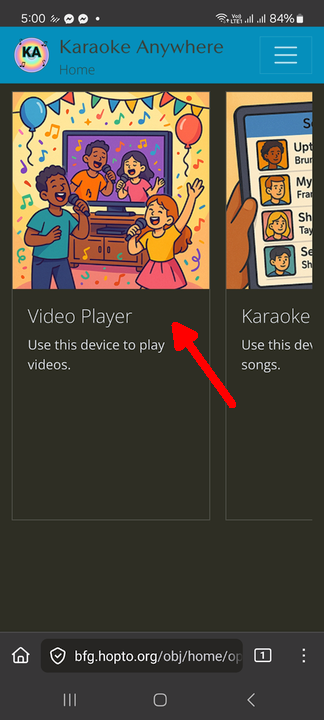
Login with your account to the player device. After logging in you will see the Home Page. Click on "Video Player".
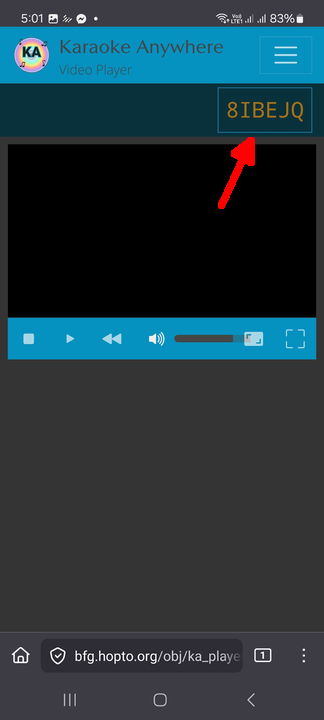
A device code will appear at the top right. Note down this code, you will use it to connect to this player from other devices.
Login on the device you will use to act as a songbook where you can select songs to play on the player device.
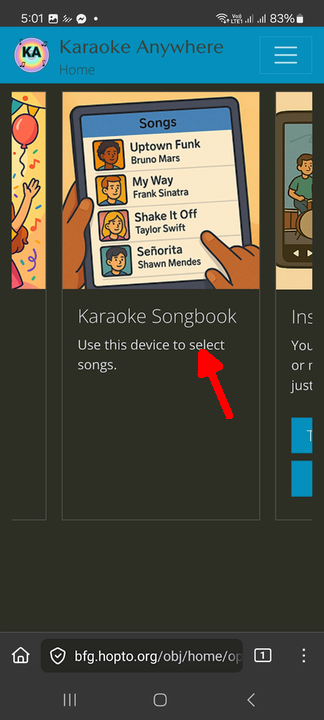
After logging in, you will see the Home Page. Click on "Karaoke Songbook".
If you have not selected a player before, a form will open where you can input the device code you noted earlier.
If you have already selected a player previously, click on the code at the top right to open a form where you can input a new code.
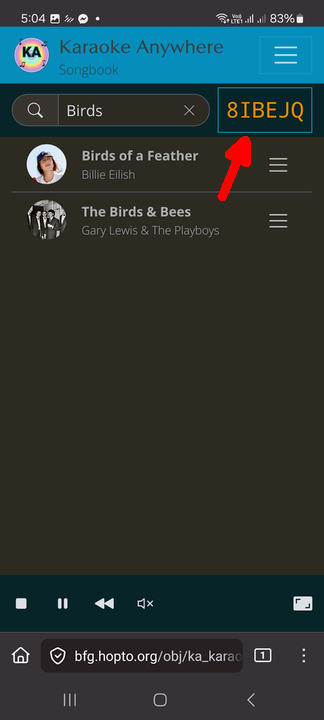
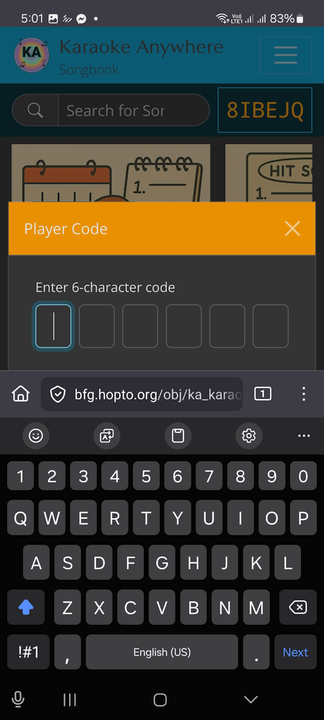
You may now search for songs by typing into the search box or clicking one of the categories beneath it.
if you are logged in with the same account as the one on the player device, you will also have additional controls at the bottom of the screen where you can stop, pause, or rewind playback.
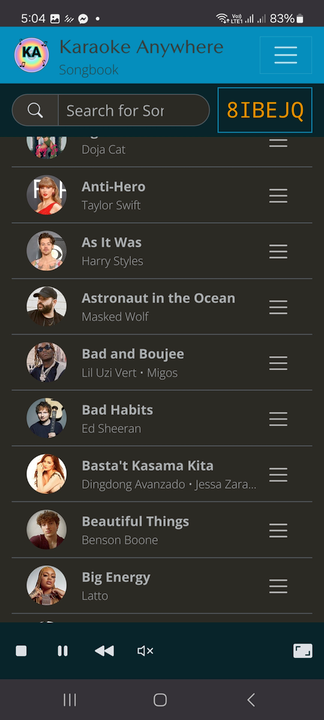
If you have other devices you wish to be able to request songs, just repeat steps 3 to 5 on those devices.
You can have multiple devices, for example you and your friend's cellphones, selecting songs to be played.
The devices do not have to all be on the same network. They just need to have internet access.
Tap on the video to toggle fullscreen mode.